 Back
Back| 2.3.1 2.3a Step-by-step on creating a Multiple Selection question |
| Step | Instruction | What it looks like |
|---|---|---|
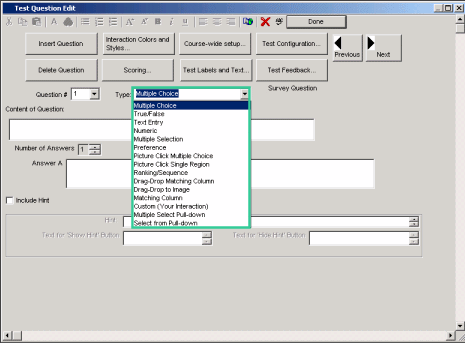
| 1 |  Click the Type arrow and choose Multiple Selection. |
 |
| 2 | Enter the question. |
 |
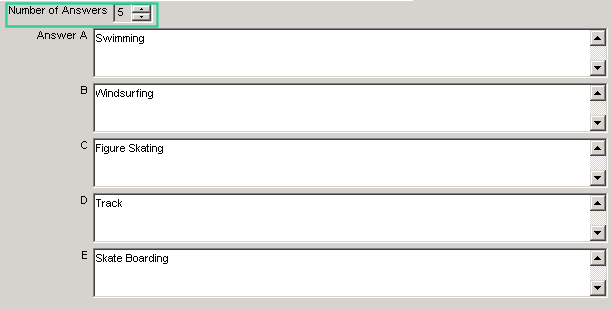
| 3 | Enter the number of answers. |
 |
| 4 | When you finish, click Done. |
 |